
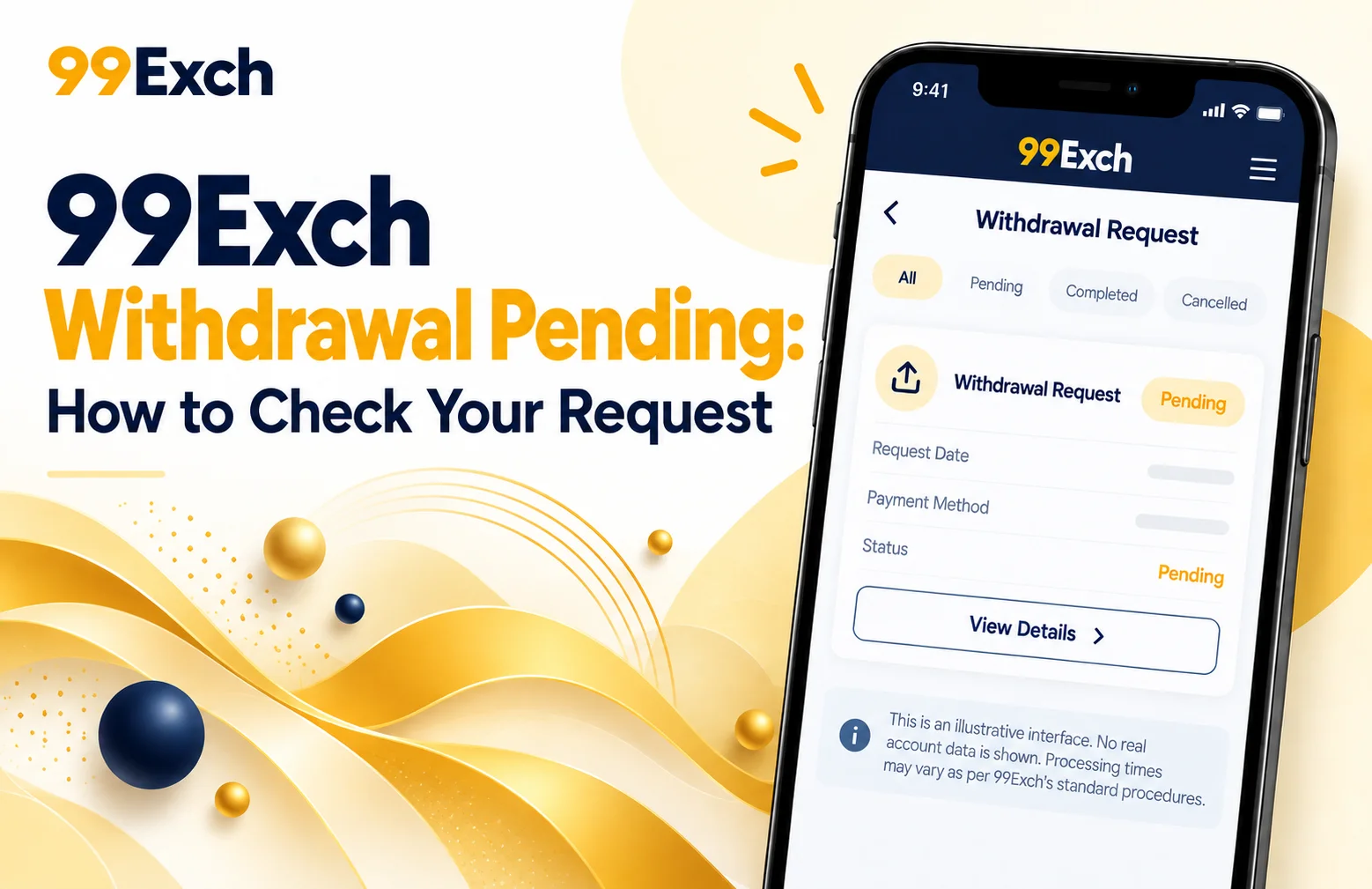
Sometimes a withdrawal request will show as pending after you submit one. This doesn’t necessarily mean there’s an issue with your account. Often, a withdrawal may have to go through checks on the account, payment processing or other steps before it is completed.
If you are using 99Exch and your withdrawal is not yet processed, the first thing you need to do is to check your account and the withdrawal information. In this guide, you will learn how to check your request, what it means when it’s pending, and what to do if it takes longer than expected.
What Does a Pending Withdrawal Mean?

A pending withdrawal generally indicates that your withdrawal request has been sent but not yet completed.
There are many reasons a status can be pending: For example, the request might still be under review, the chosen payment method may require additional processing time or the platform may need to finalize account verification.
The exact processing time can depend on the payment method, account status, and current platform procedures. Users should check the latest information provided by 99Exch before assuming that a delay means a failed transaction.
How to Check Your 99Exch Withdrawal Request
Checking your withdrawal status should be one of the first things you do when a payment remains pending.
Step 1: Open the Official 99Exch Website
Visit the official 99Exch website using a trusted browser.
Always make sure that you are using the correct official website before entering your account information. Avoid unknown links or websites that claim to provide access to your account.
Step 2: Complete 99Exch Login
Click on the Login option and enter your registered account credentials.
Your 99Exch Login details should be kept private. Never give your password or other security information to an unknown person.
Once your details are accepted, you should be able to access your account dashboard.
Step 3: Open Your Account or Wallet Section
After logging in, look for the account, wallet, balance, or transaction section.
The exact name or location of this option may vary depending on the current website layout.
Look for your transaction history or withdrawal section to find your recent requests.
Step 4: Find the Withdrawal Request
Locate the withdrawal transaction you recently submitted.
You may see a status such as pending, processing, completed, rejected, or another status depending on the platform.
Check the amount, date, payment method, and current status carefully.
Why Can a Withdrawal Remain Pending?
There are several possible reasons why a withdrawal may not be completed immediately.
Account Verification
Your account may need to complete a verification process before a withdrawal can be processed.
Payment Processing
The payment provider or selected payment method may require additional time to process the transaction.
Incorrect Information
If the withdrawal information does not match the required details, processing may be delayed or the request may require correction.
Platform Checks
Some transactions may go through routine security or account checks before being completed.
Because processing conditions can change, users should check the current 99Exch terms and withdrawal information for the most accurate details.
What Should You Do While the Withdrawal Is Pending?
If your request is pending, don’t keep submitting the same withdrawal over and over again unless the platform tells you to do so.
First, check your transaction history to confirm that the original request was submitted correctly.
Also, check to see if there are any messages, notifications or verification requests for the transaction.
If the request is still pending after the processing period mentioned above, contact the official 99Exch support team for help.
When contacting support, keep your 99Exch ID available. This may help the support team locate your account and transaction.
Contacting 99Exch Support
If you cannot find an answer via your account, use the official support channel provided by 99Exch.
You can also submit a ticket to support stating your withdrawal is pending. They will ask you for the transaction info.
Never give your account password, OTP, banking PIN, card PIN or any other security credentials to anyone who says they’re providing support.
Only use contact details provided through the official 99Exch platform.
Can You Check a Withdrawal Through the 99Exch App?
Users can use the app to check their account and transaction information if the official 99Exch App is available.
Open and login to authorized app. Look for the wallet, transaction history or withdrawal section.
Use only the official or authorized version of the app. Do not download app files from unknown websites or links.
What About New Users?
You need to complete the 99Exch Sign Up process before you can use account related features, if you have not registered an account yet.
Users will be given account details including their 99Exch Id upon registration which they will use to access their account.
New users should review the platform’s terms, payment rules, eligibility requirements, and applicable local laws before using any betting or financial features.
Final Words
A pending withdrawal does not mean your request has failed automatically. Login to your 99Exch account, go to your account or transaction section and verify the status of your withdrawal request.
Verify the amount, payment details and transaction status. If the request is still pending after the stated processing time, do contact the official 99Exch support team and keep your 99Exch ID handy for account verification.
Users can also check whether withdrawal information is available through the official 99Exch App. New users should complete the 99Exch Sign Up process before accessing account features.
Always use official channels, protect your account credentials, and review the current withdrawal terms before submitting a transaction.