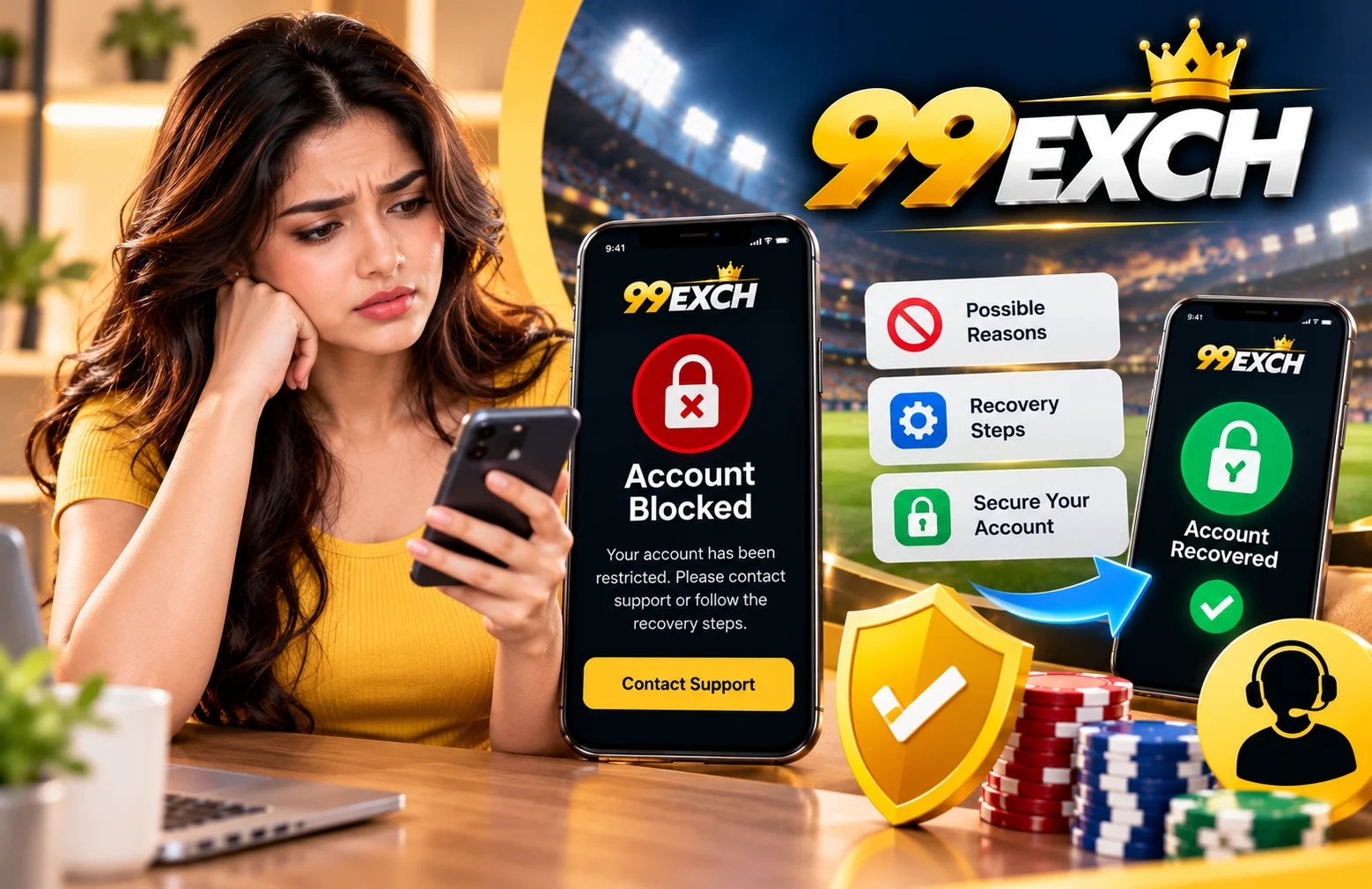
Being unable to access an online account can be frustrating, particularly if you want to check your account and see what’s happening or access a service. When you can’t log into your 99Exch account, you should first learn what might be causing this issue. A blocked account is not necessarily a permanently closed account. Sometimes, further verification or support from official sources may be required.
Various issues may arise when accessing an account, such as wrong login credentials, lack of verification, security screening, or a potential violation of the platform’s rules. The appropriate answer will vary based on why there is a restriction.
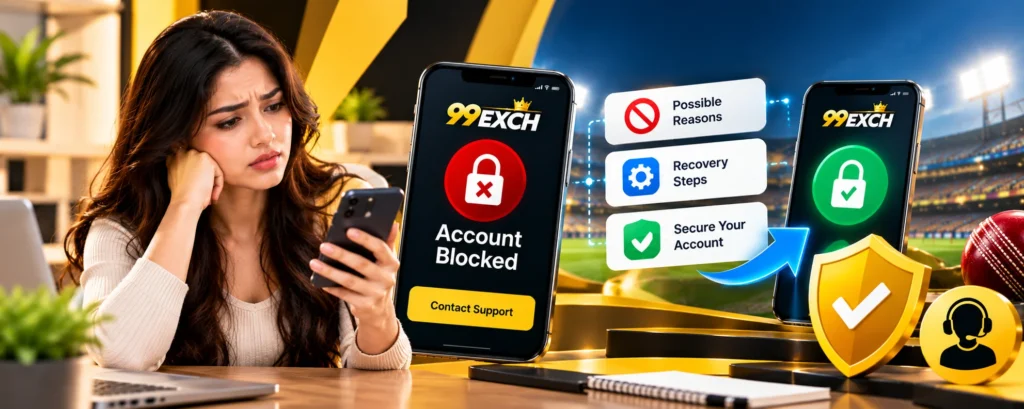
What Does a Blocked 99Exch Account Mean?
A blocked account generally means that a user cannot access some or all account features. You may see a login error, receive a restriction message, or be asked to complete an additional check.
However, not every login problem means your account has been blocked. An incorrect password, a temporary technical issue, or an internet connection problem may also prevent access.
Before taking further action, read the message displayed on the screen carefully. It may provide useful information about the problem or explain what you should do next.
Common Reasons Why a 99Exch Account May Be Blocked
The exact reason for an account restriction depends on the platform’s policies and the circumstances of the account. The following are possible causes, not confirmed 99Exch-specific rules.
1. Incorrect Login Details
Entering the wrong username, account ID, or password several times may trigger a security check on some platforms.
If you cannot complete 99Exch Login, check that your details are correct. Make sure there are no typing mistakes or unnecessary spaces, and confirm that you are using the correct login information.
Avoid repeatedly trying different passwords if you are unsure which one is correct.
2. Incomplete Account Verification
Some platforms require users to complete identity verification before accessing particular services or account features.
If your account information is incomplete or a verification request remains unresolved, access may be restricted under the applicable rules.
Review the official verification instructions and submit only the documents requested through a verified channel.
3. Unusual Account Activity
Platforms may review accounts when they detect activity that appears unusual. For example, an unfamiliar login attempts or a change in account access patterns may lead to additional security checks.
If you suspect someone else has accessed your account, contact official support and take steps to secure your login details.
4. Possible Violation of Terms & Conditions
Online platforms usually have rules covering account use, registration information, promotions, and other activities. A suspected violation may lead to a review or restriction, depending on the applicable terms & conditions.
Read any notice sent by the platform to understand the stated reason. If you believe the restriction is incorrect, ask official support to review your case.
5. Temporary Technical Problems
Sometimes, login issues are caused by maintenance, browser problems, outdated app versions, or a temporary service interruption.
Check your internet connection and reopen the official website. If you use the 99Exch App, check whether an official update or installation instruction is available.
How to Recover a Blocked 99Exch Account
If you cannot access your account, follow these steps carefully.
Step 1: Check the Error Message
Read the message displayed when you try to log in. Look for information about account restrictions, incorrect credentials, or verification requirements.
Take note of any instructions provided.
Step 2: Confirm Your Login Details
Check that you are using the correct account ID and password. If you have forgotten your password, use the official password-recovery option if one is available.
You can also read our guide, Forgot Your 99Exch Password? Steps to Recover Your Account, for more information about password recovery.
Step 3: Review Verification Requests
Check your account messages or official communications for any outstanding verification requirements. Complete the requested steps only through a verified platform channel.
Never send passwords or one-time security codes to someone claiming they can unblock your account.
Step 4: Contact Official Customer Support
If the account remains blocked, contact verified Customer Support. Explain when the issue started and include the exact error message, if possible.
You may be asked to confirm certain account details. Provide only the information needed through the official support process, and never share your password.
Step 5: Wait for a Response
Some cases may require a manual review. The time needed to resolve the problem can vary, so ask support whether any further action is required.
Avoid creating additional accounts to get around a restriction unless the platform explicitly permits it.
What About Your Account Balance or Pending Withdrawal?
If your account is blocked while a withdrawal is pending, do not assume that the funds have been lost or that the transaction will be processed automatically.
Check any available transaction information and ask official support for clarification about the status of your account and withdrawal.
You can also read our guide, 99Exch Withdrawal Pending: How to Check Your Request, for general information about checking a pending withdrawal.
The handling of account balances and transactions depends on the applicable platform rules and the reason for the restriction.
How to Avoid Future Account Problems
You can take several practical steps to reduce common account access problems:
- Keep your login details private.
- Use a strong, unique password.
- Enter accurate information during registration.
- Complete required verification through official channels.
- Avoid suspicious links and unofficial apps.
- Follow the platform’s terms and conditions.
- Contact support if you notice unusual account activity.
If you access 99Exch through a mobile device, keep your phone updated and download applications only from a source you have verified as official.
Final Thoughts
A blocked 99 Exch account can result from incorrect login details, incomplete verification, security checks, possible rule violations, or technical issues. The best solution depends on the specific cause.
Start by checking the error message, confirming your login details, and reviewing any verification requests. If the issue continues, contact official Customer Support and follow the instructions provided.
Always protect your account information, read the applicable terms & conditions, and avoid unofficial recovery services. Before using any online betting or gaming platform, make sure it is legally available in your location.